Build Your First Interactive React Component: A Practical Beginner's Guide
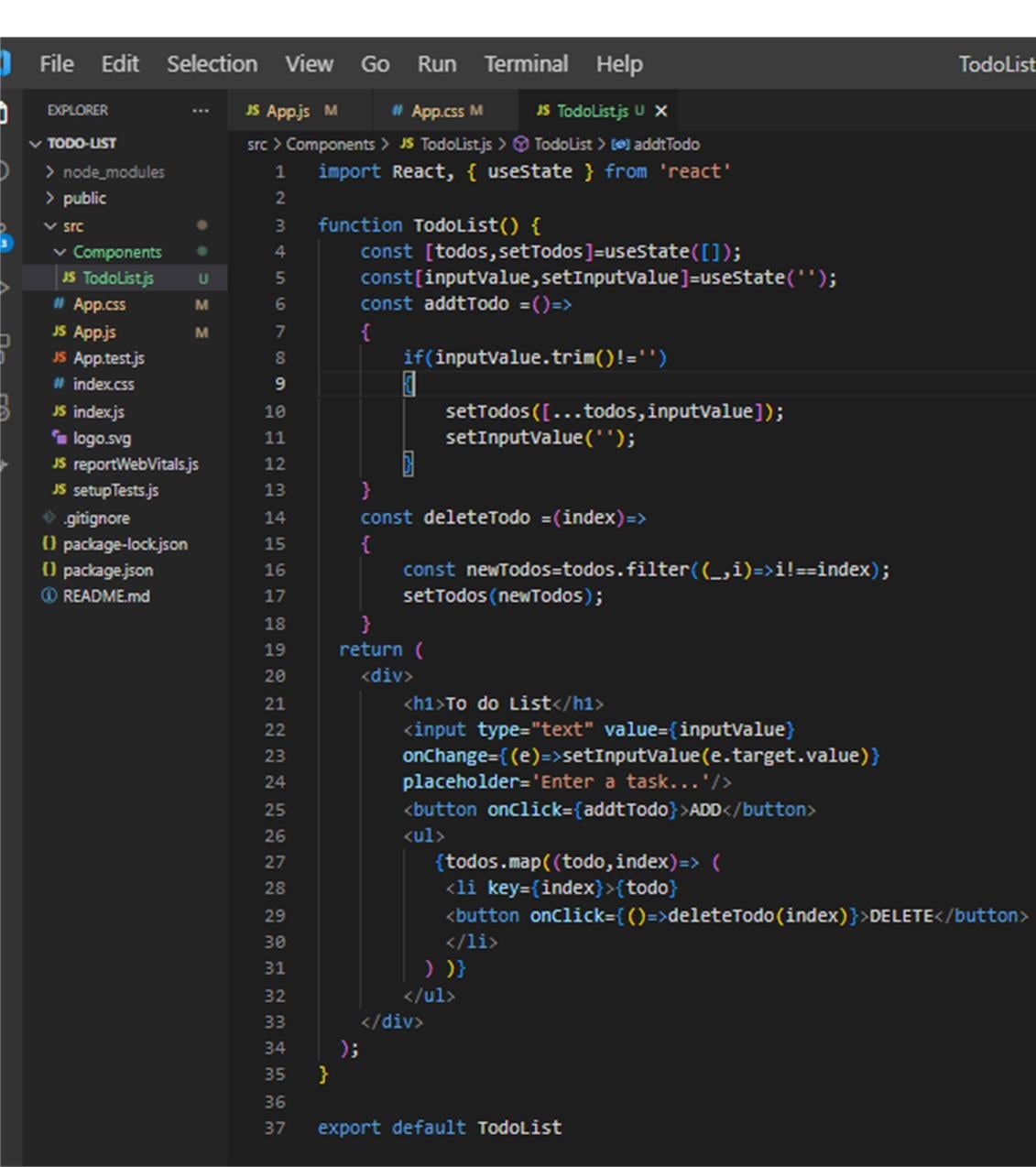
React becomes much easier to understand when you stop thinking of it as a collection of unfamiliar syntax and start thinking in terms of small pieces of interface that respond to data.
In this tutorial, we'll build a simple counter. It isn't a production application, but it introduces three ideas you'll use in real projects: components, props, and state.
By the end, you'll understand how React displays a component, passes information into it, and updates the screen when something changes.
1. Set up a React project
You'll need Node.js and npm installed on your machine.
Create a project using Vite:
npm create vite@latest react-counter -- --template react
cd react-counter
npm install
npm run dev
Vite will start a development server and display a local URL in your terminal. Open that URL in your browser.
You now have a working React project.
2. Understand the component
Open src/App.jsx and replace its contents with:
function App() {
  return (
    <main>
      <h1>My First React App</h1>
      <p>I'm learning how React components work.</p>
    </main>
  );
}

export default App;
The App function is a React component. It returns JSX, a syntax that lets you describe the structure of your interface using familiar HTML-like elements.
A few details matter here:
- Component names begin with a capital letter.
- JSX must return a valid structure.
export default Appallows another file to import the component.
React uses the component to determine what should appear on the screen.
3. Pass information through props
Components become more reusable when they accept information instead of hardcoding every value.
Create a file named Greeting.jsx inside src:
function Greeting({ name }) {
  return <h2>Welcome, {name}!</h2>;
}

export default Greeting;
Now import and use it in App.jsx:
import Greeting from "./Greeting";

function App() {
  return (
    <main>
      <h1>My First React App</h1>
      <Greeting name="Alex" />
      <Greeting name="Sam" />
    </main>
  );
}

export default App;
The name attribute supplies a prop. The component receives it and uses the value in its output.
This is useful when the same interface needs to display different users, products, notifications, or other data.
Think of props as information a parent component gives to a child. A component should generally treat its props as read-only.
4. Make the interface interactive with state
So far, the interface displays information but doesn't remember changes. That's where state comes in.
Replace the contents of App.jsx with:
import { useState } from "react";

function App() {
  const [count, setCount] = useState(0);

  function increment() {
    setCount((previousCount) => previousCount + 1);
  }

  return (
    <main>
      <h1>React Counter</h1>
      <p>Current count: {count}</p>
      <button onClick={increment}>
        Add one
      </button>
    </main>
  );
}

export default App;
Let's break down the important part:
const [count, setCount] = useState(0);
countis the current state value.setCountupdates that value.useState(0)sets the initial value to zero.
When the button is clicked, React calls increment. The state update tells React that the component needs to render again with the new count.
The updater function receives the previous state, which makes it a good choice when the next value depends on the current one.
Notice that we don't manually change the paragraph's text. React updates the interface from the current state.
5. Try a small improvement
What happens if the user clicks the button twenty times? The counter keeps increasing, which is expected.
Now try adding a reset button:
<button onClick={() => setCount(0)}>
  Reset
</button>
Place it beside the existing button.
This tiny addition gives you a useful exercise: modify an existing component without introducing another state variable.
Common beginner mistakes
Calling the state setter during rendering
Avoid calling setCount directly in the component body. It can trigger repeated renders. Update state in response to an event or through an appropriate effect.
Using onClick="increment()"
React event handlers receive functions, not HTML-style JavaScript strings. Use onClick={increment}.
Expecting a normal variable to trigger a render
Changing an ordinary variable doesn't tell React to update the interface. Use state for values that need to affect what is displayed.
Making every component responsible for everything
As an application grows, separating repeated or independently understandable pieces into components makes code easier to test and maintain.
What you've learned
You've built a React component, passed data through props, and used state to make the interface interactive. These are small examples, but they form part of the foundation for forms, shopping carts, dashboards, and many other interfaces.
The next useful exercise is to turn this counter into a small task list with an input field, an add button, and a list of items.
For more detail, consult the official React documentation.
The best way to learn React isn't to memorize every hook at once. It's to build something small, understand the behavior, and gradually introduce more complexity.