JavaScript's Event Loop Explained: Why Your Code Doesn't Always Run in Order
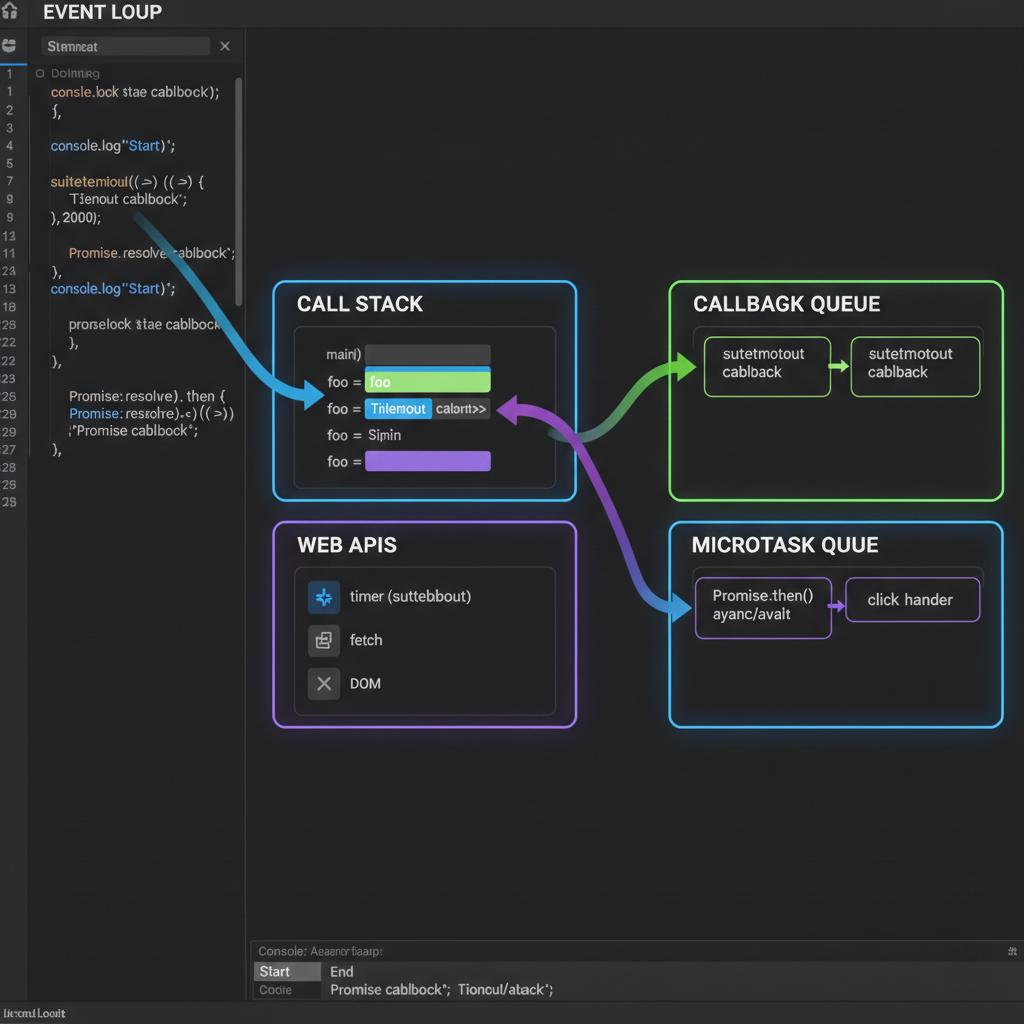
You read a JavaScript function from top to bottom, so you expect its output to follow the same order. Most of the time, that expectation works.
Then you encounter a setTimeout(), a promise, or an asynchronous request, and the output appears in a different order.
The code isn't necessarily running incorrectly. You're seeing how JavaScript schedules work.
Understanding the event loop helps explain why some callbacks run later, why promise handlers can execute before timer callbacks, and why a slow synchronous function can make a page feel frozen.
Start with a small example
Consider this code:
console.log("First");

setTimeout(() => {
  console.log("Second");
}, 0);

console.log("Third");
You might expect Second to appear immediately because the timer is set to zero milliseconds.
Instead, the output is:
First
Third
Second
Why?
JavaScript executes the synchronous statements first. Calling setTimeout() schedules a callback for later; it does not interrupt the current code and run the callback immediately.
The zero-millisecond delay means the callback can become eligible to run without an intentional timer delay. It does not guarantee immediate execution.
To understand the difference, we need to look at a few parts of the runtime.
1. The call stack: what is executing now?
The call stack tracks the JavaScript functions currently being executed.
When a function is called, it adds a frame to the stack. When the function returns, that frame is removed.
For example:
function greet() {
  console.log("Hello");
}

function start() {
  greet();
}

start();
The simplified execution sequence is:
start()is called.greet()is called from insidestart().greet()logsHelloand returns.start()finishes.
Each function runs as part of the current execution sequence.
This matters because a long-running synchronous function occupies the JavaScript thread while it executes. The browser cannot process ordinary JavaScript work on that same thread until the current task yields.
That is one reason expensive calculations can make an interface unresponsive.
2. Asynchronous APIs: arrange work for later
JavaScript commonly interacts with runtime APIs for timers, networking, and other operations.
Consider:
setTimeout(() => {
  console.log("Timer finished");
}, 500);
The timer API arranges for the callback to become eligible after the specified delay. The callback does not automatically interrupt whatever JavaScript is currently running.
When the callback becomes eligible, it must still wait for the runtime to schedule it.
If the main thread is busy, the callback may run later than the requested delay.
The exact implementation of timers and other asynchronous operations depends on the runtime, but the important distinction remains: scheduling an operation is not the same as immediately executing its callback.
3. The task queue and the event loop
Once an asynchronous callback is ready to run, the runtime schedules it according to the relevant task source and event-loop rules.
A useful simplified model is:
- JavaScript executes the current task.
- The current task finishes.
- The runtime performs the required microtask checkpoint.
- The browser may update rendering when appropriate.
- Another eligible task can run.
This is a teaching model, not a complete description of every browser scheduling detail.
The event loop coordinates this process. It doesn't mean all JavaScript callbacks execute simultaneously. In a typical browser page, JavaScript on the main thread executes one piece of code at a time.
4. Why promises behave differently from timers
Now consider a promise:
console.log("First");

setTimeout(() => {
  console.log("Timer");
}, 0);

Promise.resolve().then(() => {
  console.log("Promise");
});

console.log("Last");
The output is:
First
Last
Promise
Timer
The synchronous statements execute first, so First and Last appear before either callback.
The promise's .then() handler is scheduled as a microtask. After the current JavaScript task finishes, the runtime processes pending microtasks before moving on to another ordinary task such as the timer callback.
The timer callback is scheduled through the timer task source and cannot run in the middle of the current synchronous execution.
This explains why the promise handler appears before the timer callback in this example.
Be careful not to turn this into a universal rule that promises always beat timers in every conceivable situation. The outcome depends on which work has been scheduled and on the applicable runtime rules.
5. A microtask can delay other work
Microtasks are useful, but they can also cause problems if code keeps scheduling more microtasks.
For example:
function repeatMicrotask() {
  queueMicrotask(repeatMicrotask);
}

repeatMicrotask();
This continually schedules another microtask. Because the runtime processes microtasks until the queue is empty, continuously replenishing that queue can prevent the browser from progressing to ordinary tasks and rendering work.
Don't run this example in a production application. It illustrates a scheduling problem, not a useful programming pattern.
The broader lesson is that asynchronous code can still block progress if it creates an endless chain of work that never gives the runtime an opportunity to move on.
6. What this means for frontend development
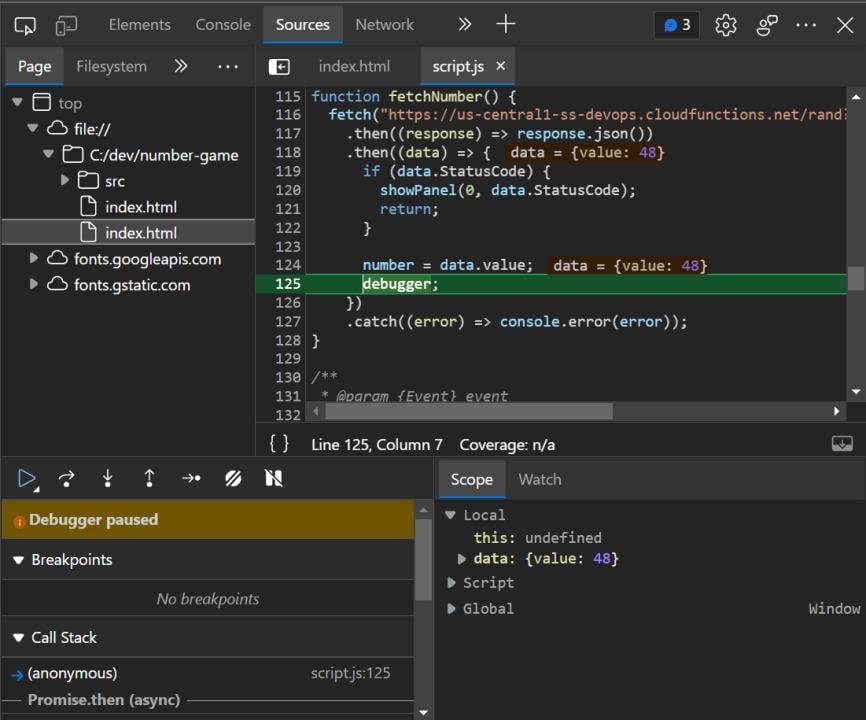
Understanding the event loop becomes practical when you're debugging real interfaces.
A slow page may be blocked by synchronous work.
If a large loop or expensive calculation runs on the main thread, input handlers and other JavaScript callbacks may have to wait.
An asynchronous function doesn't make every operation inside it non-blocking.
Declaring a function async does not automatically move CPU-intensive JavaScript to another thread.
A timer is not an exact scheduling guarantee.
Use timers to schedule work after a delay, but don't rely on them to execute at an exact moment.
A promise callback isn't the same as a timer callback.
Knowing the difference between microtasks and tasks helps when debugging execution order, chained promises, and UI updates.
For CPU-heavy operations, consider breaking work into smaller chunks or using a Web Worker where appropriate. For network requests, use asynchronous APIs and provide useful loading and error states.
A simple mental model
When you're unsure why a callback ran when it did, ask three questions:
- Is the current synchronous JavaScript still running?
- What kind of work scheduled the callback?
- Has the runtime reached the point where that callback can execute?
These questions are more useful than memorizing isolated output examples because they help you reason about unfamiliar code.
Final thoughts
The event loop isn't a mechanism that makes all asynchronous work happen at once. It coordinates when scheduled JavaScript work can run.
Once you understand the call stack, the difference between tasks and microtasks, and the fact that scheduling does not guarantee immediate execution, many confusing output sequences become easier to explain.
When your next asynchronous bug appears, start by tracing what runs synchronously and what has been scheduled for later. That small habit can make debugging JavaScript considerably less mysterious.
For the formal details, see the MDN guide to the event loop and the HTML Living Standard's event-loop specification.