REST API Documentation Example: Requests, Responses, and Errors
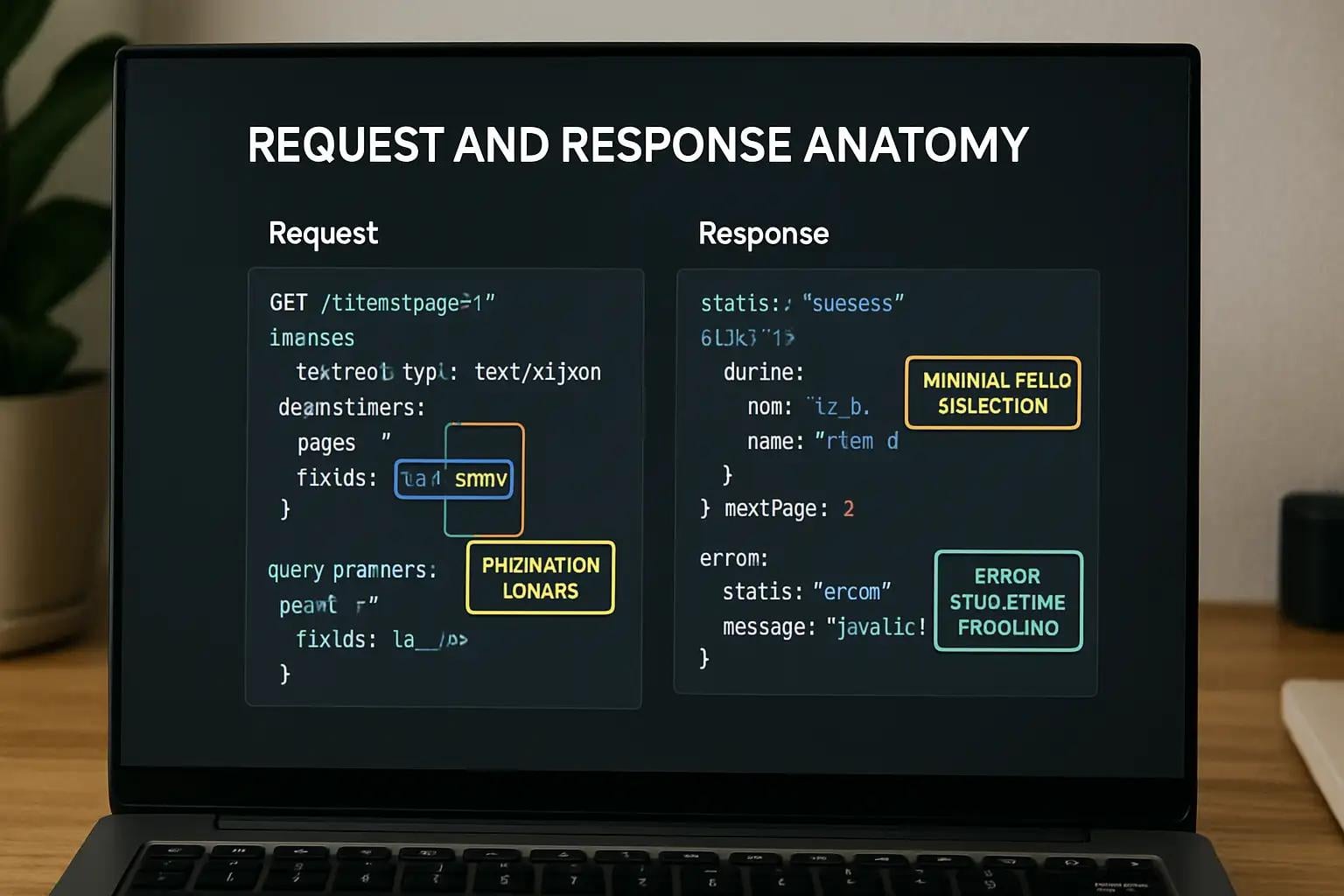
Task API Reference: Create and Retrieve Tasks with REST
This guide describes how a client application can create and retrieve tasks using the fictional Task API.
It covers authentication, request formats, successful responses, common errors, and a few practical integration considerations.
All endpoints and example behavior in this document are illustrative. They are not connected to a live service.
Base URL
https://api.example.com/v1
All endpoints in this guide are relative to this base URL.
Authentication
The example API uses bearer-token authentication.
Include an access token in the Authorization header:
Authorization: Bearer YOUR_ACCESS_TOKEN
Requests without valid authentication may return 401 Unauthorized.
Never place secret API credentials in client-side JavaScript or commit real tokens to a public repository. For production applications, use the authentication flow and token-storage strategy recommended by the actual API provider.
Resource: Task
A task represents a unit of work.
Example task object:
{
  "id": "task_1042",
  "title": "Review the release notes",
  "completed": false,
  "createdAt": "2026-10-15T09:30:00Z"
}
| Field | Type | Description |
|---|---|---|
id |
String | Unique task identifier |
title |
String | Task title |
completed |
Boolean | Whether the task is complete |
createdAt |
String | Creation timestamp in ISO 8601 format |
The field names and timestamp format above are part of this illustrative schema.
Create a task
Creates a new task.
Request
POST /tasks
Content-Type: application/json
Authorization: Bearer YOUR_ACCESS_TOKEN
Request body
| Field | Type | Required | Description |
|---|---|---|---|
title |
String | Yes | Task title |
completed |
Boolean | No | Completion status; defaults to false in this example |
Example:
{
  "title": "Review the release notes",
  "completed": false
}
cURL example
curl -X POST "https://api.example.com/v1/tasks" \
  -H "Authorization: Bearer YOUR_ACCESS_TOKEN" \
  -H "Content-Type: application/json" \
  -d '{"title":"Review the release notes","completed":false}'
Successful response
A successful creation returns 201 Created.
HTTP/1.1 201 Created
Content-Type: application/json
{
  "id": "task_1042",
  "title": "Review the release notes",
  "completed": false,
  "createdAt": "2026-10-15T09:30:00Z"
}
The server assigns the task identifier and creation timestamp.
Retrieve a task
Returns a single task by its identifier.
Request
GET /tasks/{taskId}
Authorization: Bearer YOUR_ACCESS_TOKEN
Replace {taskId} with the identifier of the task to retrieve.
Example:
curl "https://api.example.com/v1/tasks/task_1042" \
  -H "Authorization: Bearer YOUR_ACCESS_TOKEN"
Successful response
A successful retrieval returns 200 OK and the task object.
{
  "id": "task_1042",
  "title": "Review the release notes",
  "completed": false,
  "createdAt": "2026-10-15T09:30:00Z"
}
Error responses
Clients should handle errors explicitly rather than assuming every request succeeds.
| Status | Meaning | Suggested client action |
|---|---|---|
400 Bad Request |
The request is invalid | Check the request body and parameters |
401 Unauthorized |
Authentication is missing or invalid | Check authentication and refresh credentials if supported |
404 Not Found |
The task does not exist | Verify the task identifier |
429 Too Many Requests |
The request limit was exceeded | Follow any Retry-After header or the provider's retry policy |
500 Internal Server Error |
The server encountered an unexpected error | Retry cautiously when appropriate and report persistent failures |
These status codes describe the example contract. A real API may use different responses and error formats.
Example error body:
{
  "error": {
    "code": "VALIDATION_ERROR",
    "message": "The title field is required."
  }
}
Do not assume all APIs return this error structure. Check the actual provider's documentation before writing error-handling code.
Integration recommendations
Validate input before sending it. Client-side validation improves the user experience, but the server must enforce its own validation rules.
Handle unsuccessful responses. An HTTP request can complete at the network level while returning an error status. Check the response status before treating its body as successful data.
Protect credentials. Never embed private API secrets in frontend bundles.
Make retries deliberate. Retrying every failed request can create duplicate operations or increase load. Follow the API's documented retry and idempotency behavior.
Quick reference
| Operation | Method | Endpoint |
|---|---|---|
| Create a task | POST |
/tasks |
| Retrieve a task | GET |
/tasks/{taskId} |
This reference is a starting point for a task-management integration. Before using a real API, confirm its base URL, authentication requirements, request schema, response schema, error format, rate limits, and versioning policy.
About the author
- I'm a frontend and mobile developer, technical writer, and SEO specialist passionate about making technology easier to understand. I write practical, beginner-friendly articles on JavaScript, React, React Native, web development, APIs, and developer tools. My goal is to turn complex technical concepts into clear explanations, useful tutorials, and well-structured documentation that developers can apply in real projects. Through my writing, I aim to help developers learn, solve problems, and build better digital experiences.
Comments
Join the discussionNo comments yet. Be the first to comment.